Your stories, planned like your posts
Turn a video or a carousel into Instagram stories, now or at the time you choose. Swiply also posts them on your Facebook Page.
- A carousel becomes one story per slide
- Now or scheduled
- Also on your Facebook Page

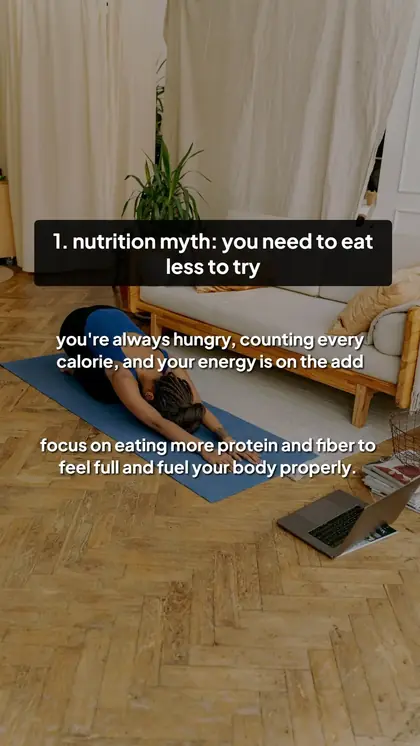
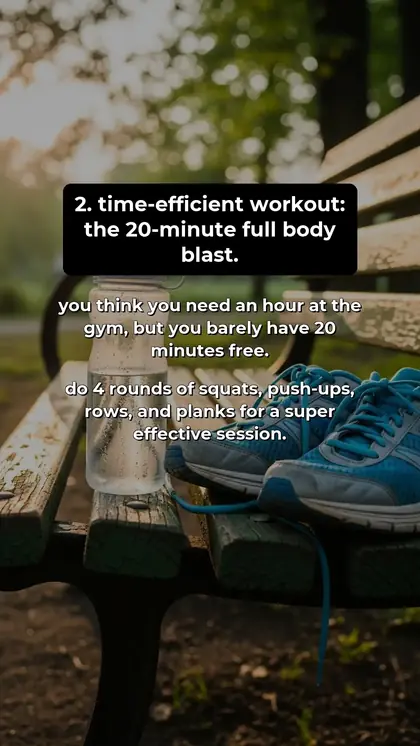
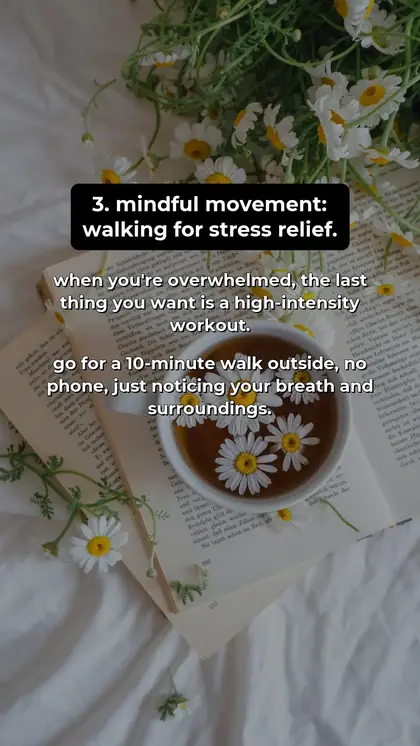

 Story
 + Facebook Page
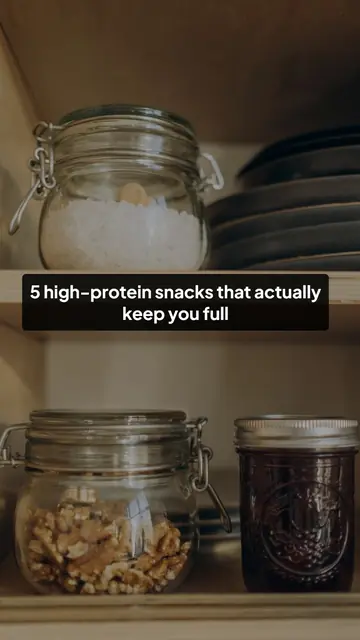 novakitchen
A carousel in stories. Five slides, five stories, in order.
How it works
- 1
Choose a video or a carousel
A video from 3 to 60 seconds, or a carousel: each slide becomes a story.
- 2
Pick the Story format
In the publishing window, choose Story instead of Post. Keep Instagram checked: a story goes out through Instagram.
- 3
Now or later
Publish right away or schedule it. Your stories show up in Publications, with a filter to see them apart from your posts.
What you get
Full screen, as made
Stories keep the 9:16 format of your slides and videos. No crop.
Carousel to stories
Each slide of a carousel is posted as its own story, in order.
Facebook Page too
The story is copied to the Facebook Page of the same project.
AI label
An option adds the AI-generated label on the Instagram story when your content needs it.
Your stats as a story
From the dashboard, turn your numbers into a share card ready to post as a story.
Safe resumes
Each story is recorded as soon as it is out: if something stops along the way, nothing is posted twice.
Frequently asked questions
Can I schedule an Instagram story?
Yes. Choose Story in the publishing window, then Schedule, and pick the date and time.
Can I add a caption?
No. Instagram stories have no caption: the text is the one on your slides or in your video.
What video length is accepted?
From 3 to 60 seconds per story.
Are stories posted on TikTok or Threads?
No. Stories go out on Instagram and are copied to the Facebook Page of the project only.
Other features
Try it on your own accounts
Connect your accounts and see what Swiply does with them.